Introduction
Diversify your products & services offering and add to the bottom line by adding miscellaneous items such as frame chains, eyeglass cases, cleaners, and even promotional merchandise like t-shirts to your inventory.
Learn how to add, edit or delete them one by one.
Accessing Misc Products section
Select the
Maintenance tab in the left Navigation Menu and then select the Products tab. This will open a page that shows a list of all products. On the top, there is an action toolbar with the Buttons Add New, Export Import, etc. Learn about Action Toolbar Bar in General.Add Product Details
Click on the
+Add Action Button in the Action Bar.
This will show a pop-up with the form to fill up.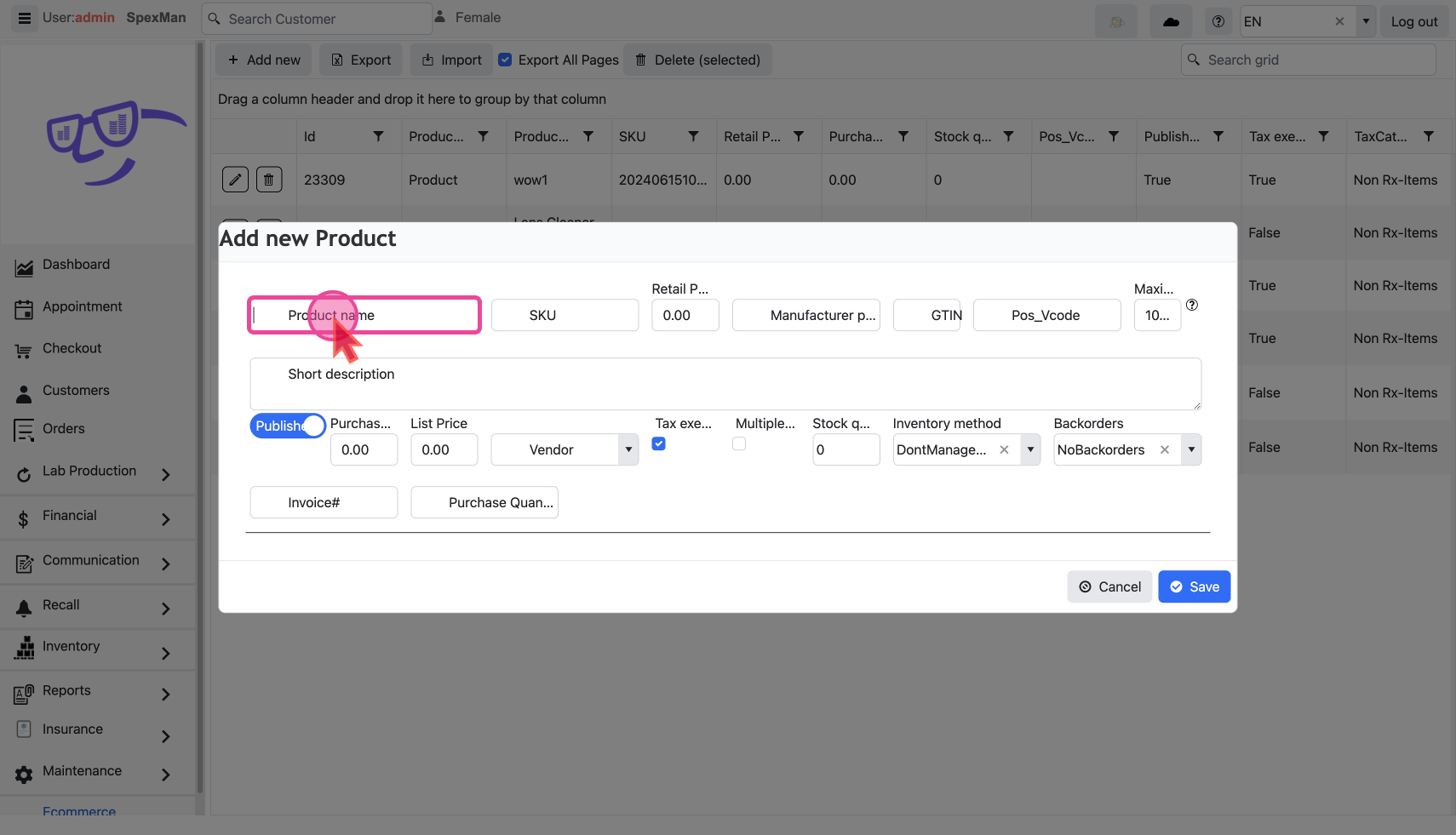
Basic
- Enter the
product name. This is the only Required Field
- Leave the
SKUfield blank and the system will auto-assign one.
Prices
- Set the retail price of the item in the
Retail Pricefield. This is the price you sell at and is available at the Checkout
- Enter the wholesale cost in the
Purchasefield, to track your profit margins.
- Select the Vendor who is supplying the Product
Stocks
- Specify the quantity in stock and other inventory functions.
- Maximum quantity available in one order to the customer
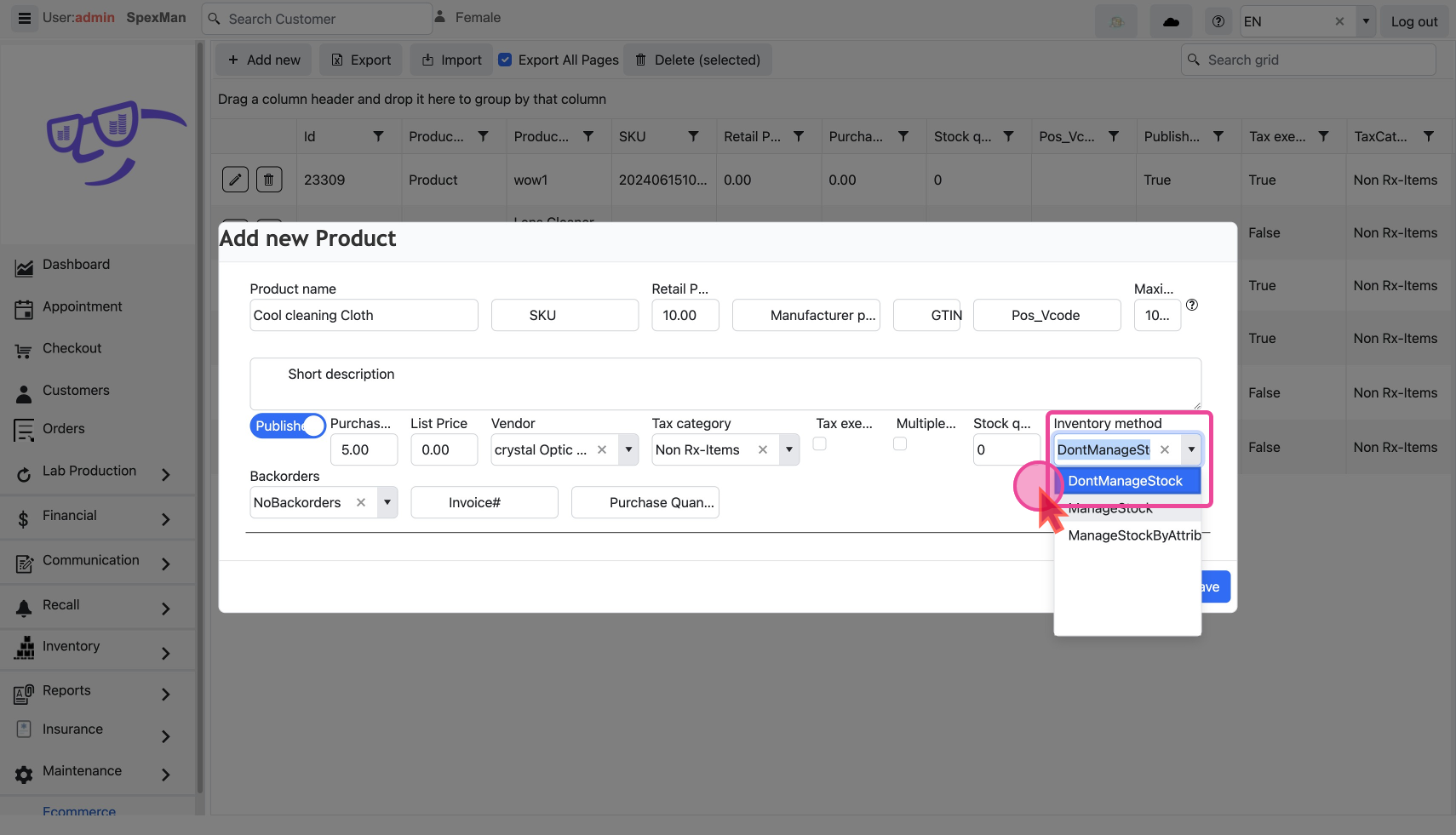
- Select Inventory Method
DontManageStockorManageStock
See How are Stock levels in inventory computed? to learn more about these
Taxes
- Uncheck the
Tax exemptionexemption checkbox if there are Taxes applicable
- Then select the appropriate
Tax category
Publish to Checkout Screen
Only published items are visible in Products at checkout. By default, an item is set as
Published to make it visible.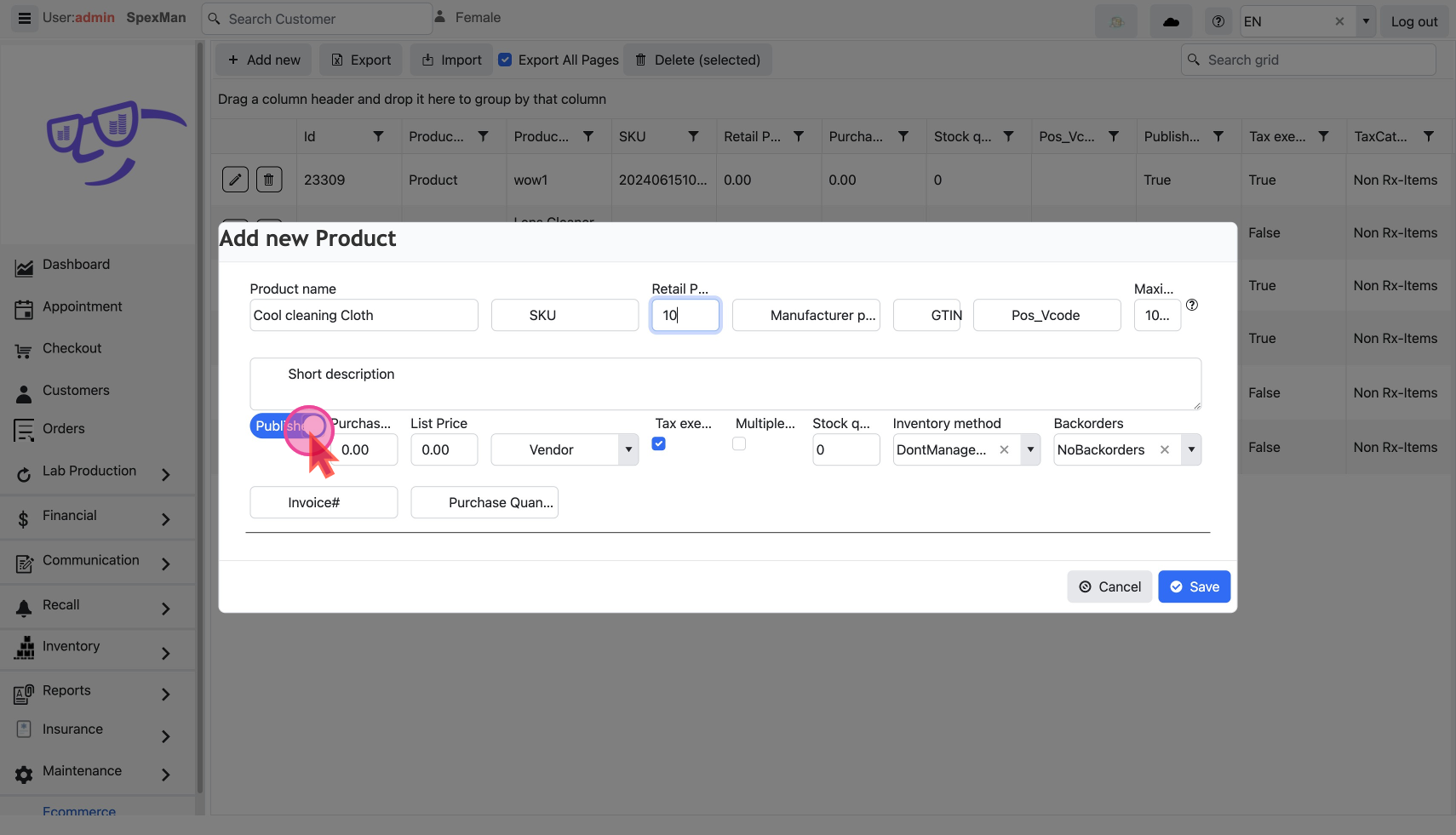
- To make an item visible at checkout, set the item as
Published
- Remove from checkout by un-publishing it.
Modify a Product
The
Pencil Icon and Trash Icon on each line are used to edit or delete that record.
Edit Product Details
Click the
Pencil Icon to show a pop-up with a form filled with the existing details.
Change as desired and save. Delete a Product
Click the
Trash Icon to show a confirmation pop-up.
Click ok to delete.You can do mass changes by export/import
