Introduction
Once you have sent your orders to the lab, you can now view them on the Lab Status page and monitor order status, view details, or contact the lab.
Accessing the Lab Status section
Select the
Lab Production tab in the left Navigation Menu and then select the Lab Status tab.
You can see all of the orders here which had been Sent to Lab. Check Current Lab Status
You can check this page to see the details of the job orders.
- Lab Status: Empty by default. Whenever the lab changes the status of this order, it’ll be available here.
- The lab will provide automated status updates as the order progresses through production e.g.
PreProdcution,Production - In case Lab doesn’t support automatic Order updates the status will be shown as
Not support get status
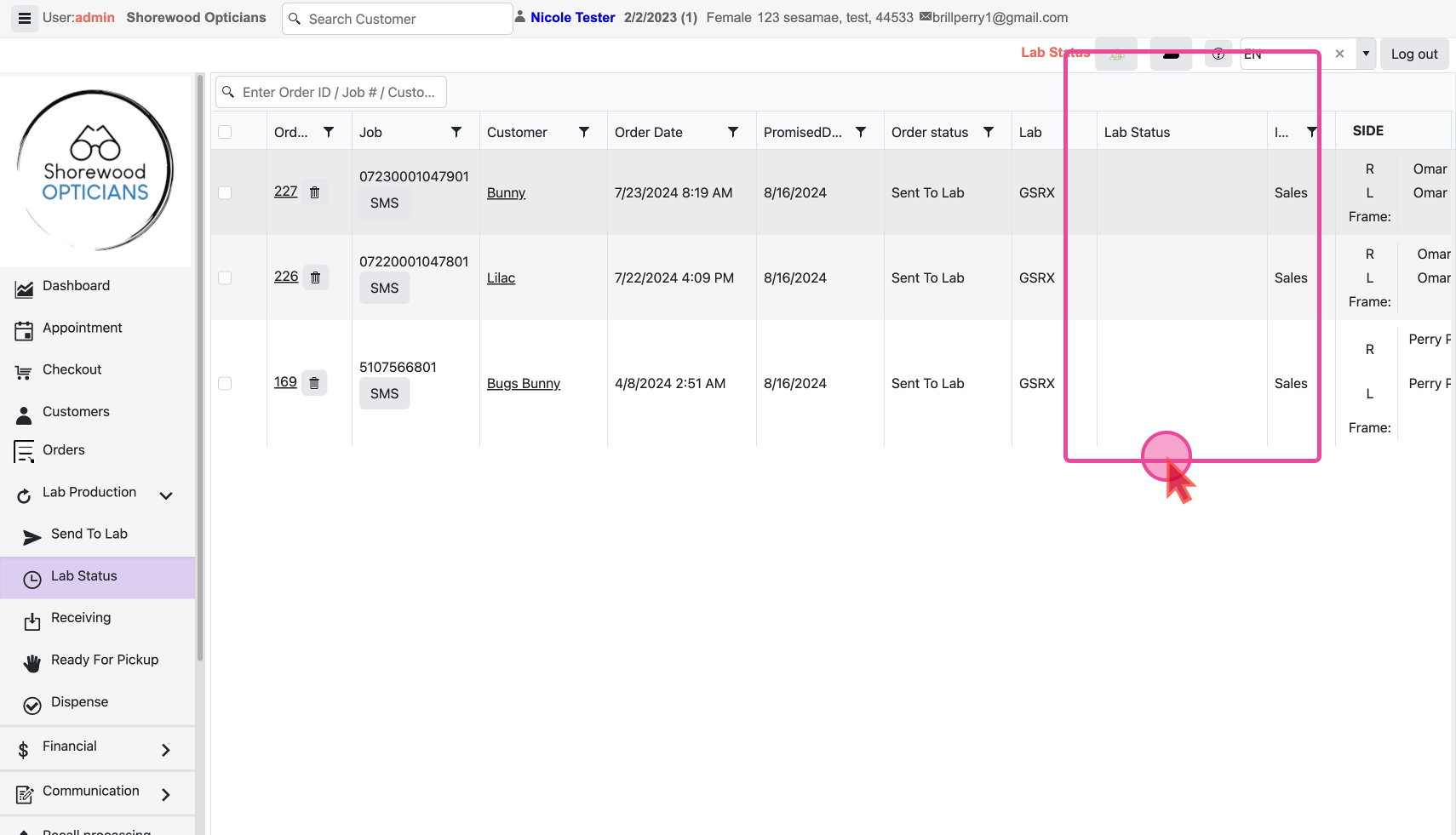
- Job: This is the unique ID of this Job Order.
- Customer: You can click on this tab to open the customer’s detail page.
- PromisedDate: This is the date given to the customer for final delivery.
Click on the
Order Id link to go to the Order detail page if needed.Contact the lab
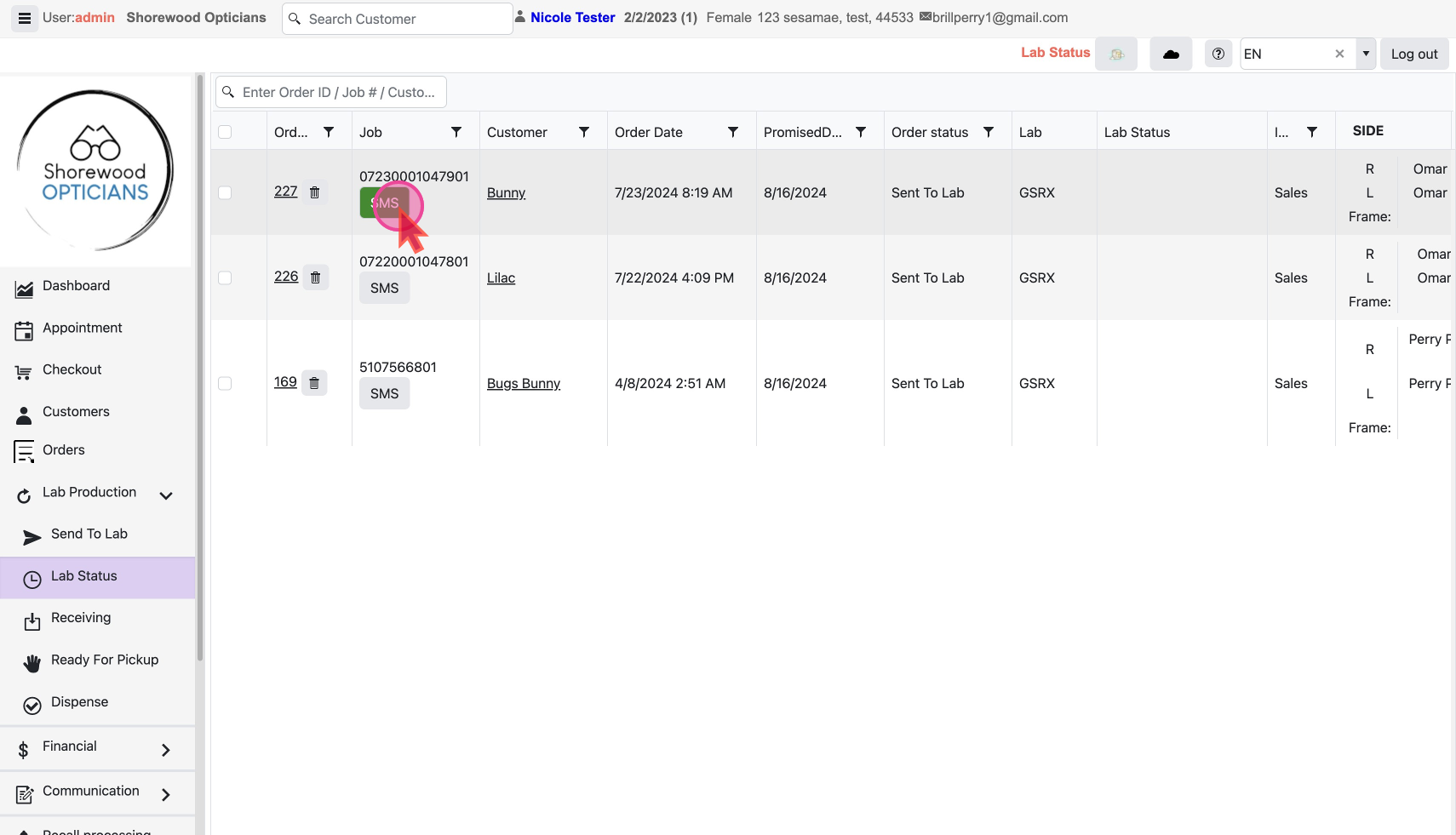
You will find an SMS button next to every order item's unique job id. You can use this to send an SMS to the lab.
Get clarification -
Do we update/ is there a way in our system to update the lab status?
Lab does the login into spexman??
