Introduction
Before you start Checkout or add a Prescription (RX) or do any other activity regarding a customer you must find and select the customer once.
Note: Once a customer is selected they remain selected till you change the selection
Use Search
- Use the search bar on top, type in the customer's ID, name, email, or phone number and press
ENTER.
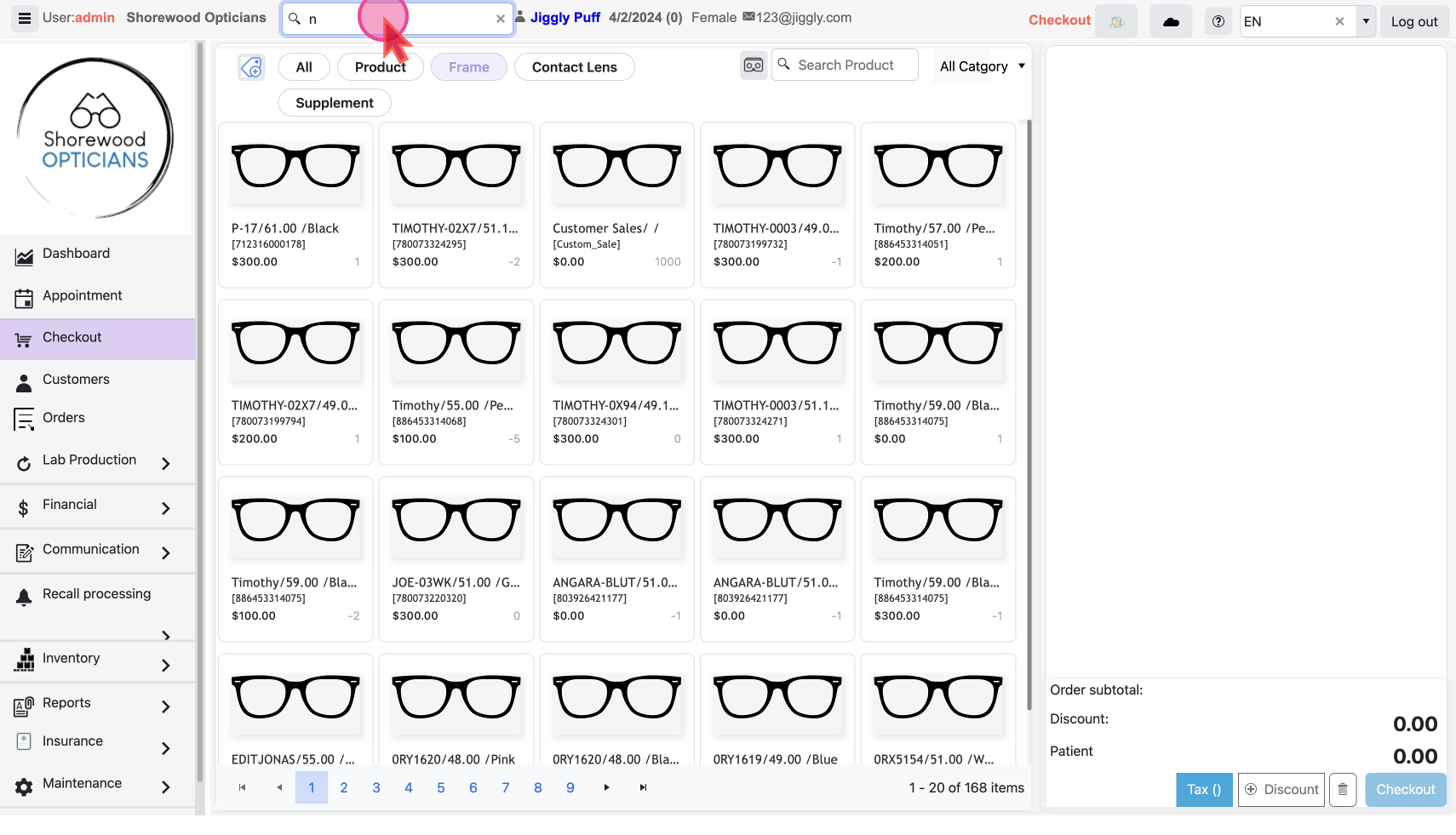
- If the name matches one customer it will be selected
- If there are multiple users with what you typed, then pop-up will show all matching customer profiles
- From the matched profile select the customer’s record.
Use Customers List
- Click
CustomersunderMaintenanceon the left menu
- Use Filter / Sort on any column or search to find the customer
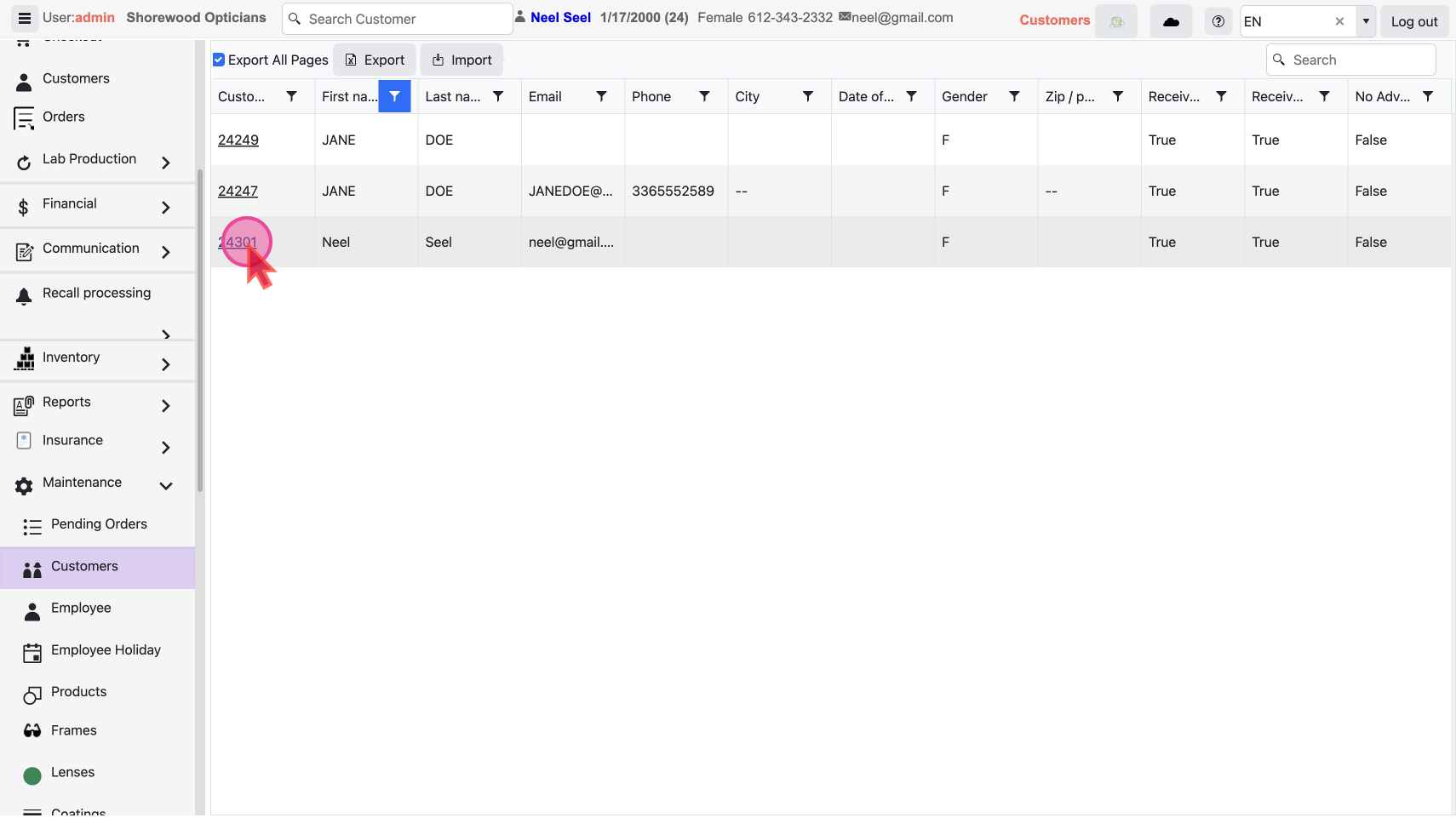
- Select the customer by clicking the customer ID link
Note: Once a customer is selected they remain selected till you change the selection
Learn in detail on How to add / edit Customer Profile
