Introduction
Once Frames have been added to the cart you may want to edit the lens details.
This guide will walk you through the process of editing lens options after adding them to the cart.
Edit Lens Details
On the
Checkout page, in the Cart, there is an Icon with grid pattern & a magic wand next to items that have lenses.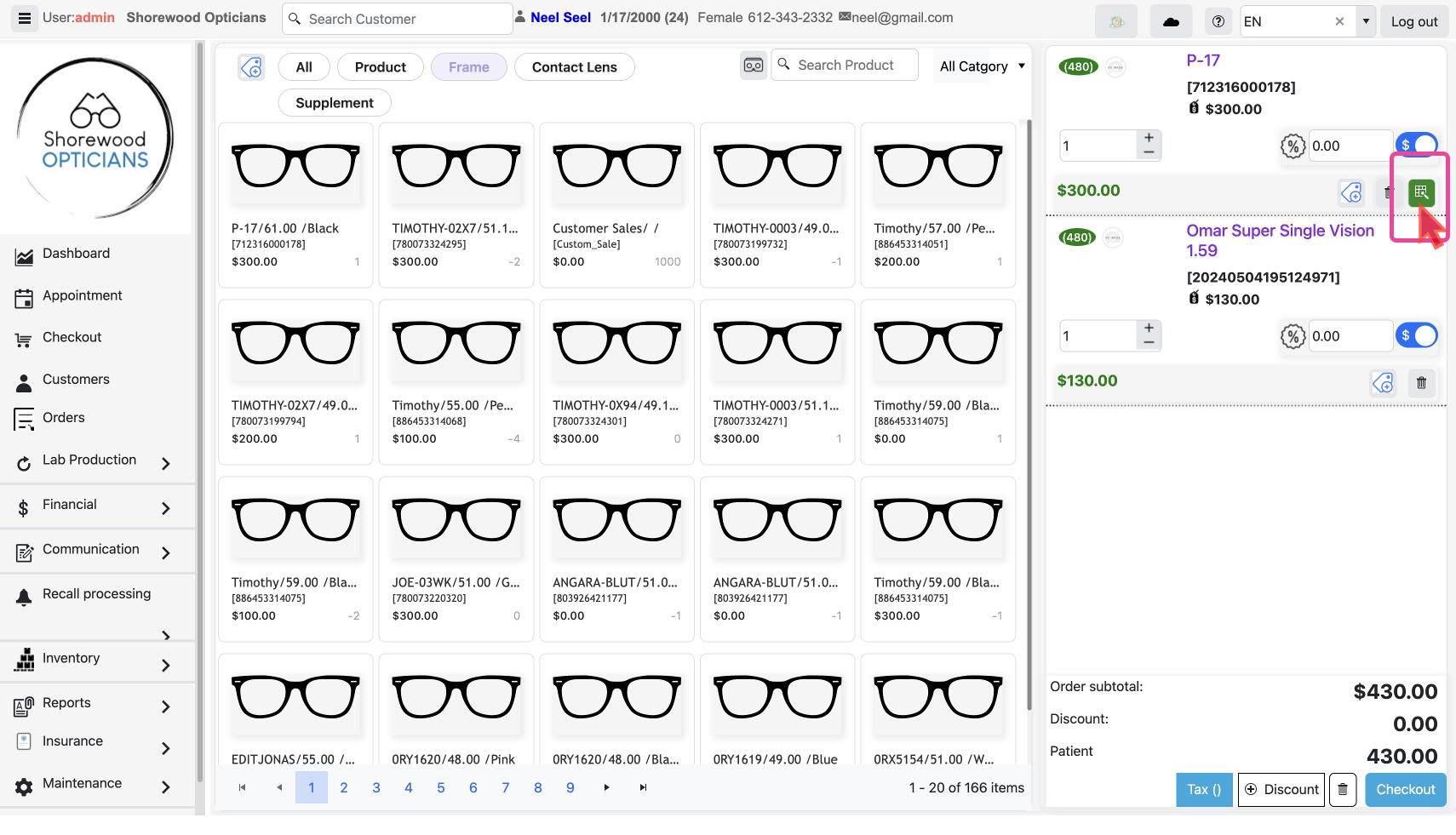
- Click on this to open a pop-up with the Prescription Order Wizard.
- Here you can review your saved details, go through the 3-steps editing fields as required.
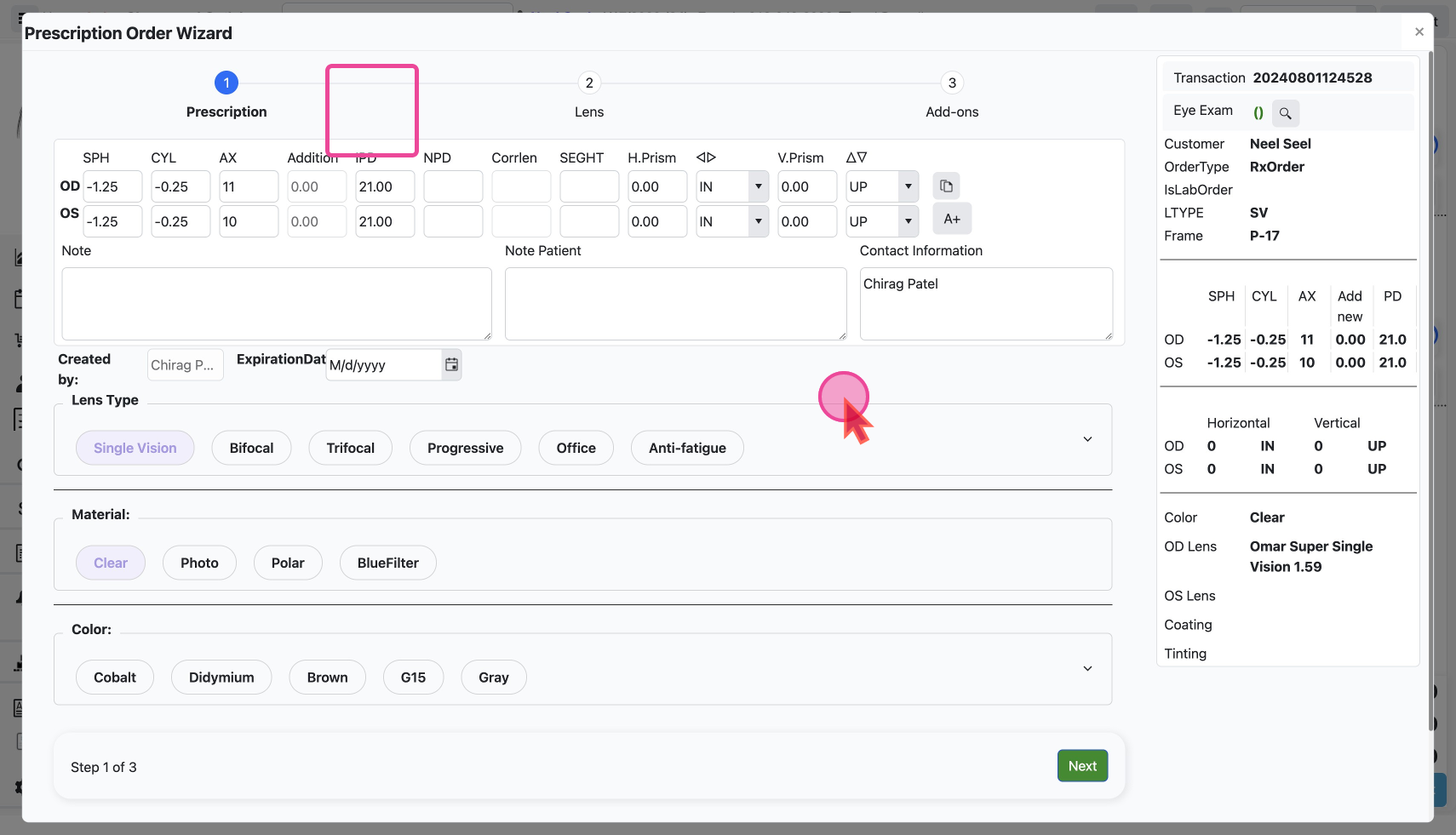
- Click the close X Icon to see the changes reflected in the cart.
