Introduction
After the Items have been added you may want to change the number of units of an Item or do an ad hoc price adjustment.
This guide will walk you through the process of changing the quantity or price of items from your checkout page.
Adjust Quantity
On the
Checkout page, there are + or - buttons next to every item in the cart.
Click on these to increase or decrease the quantity of the item.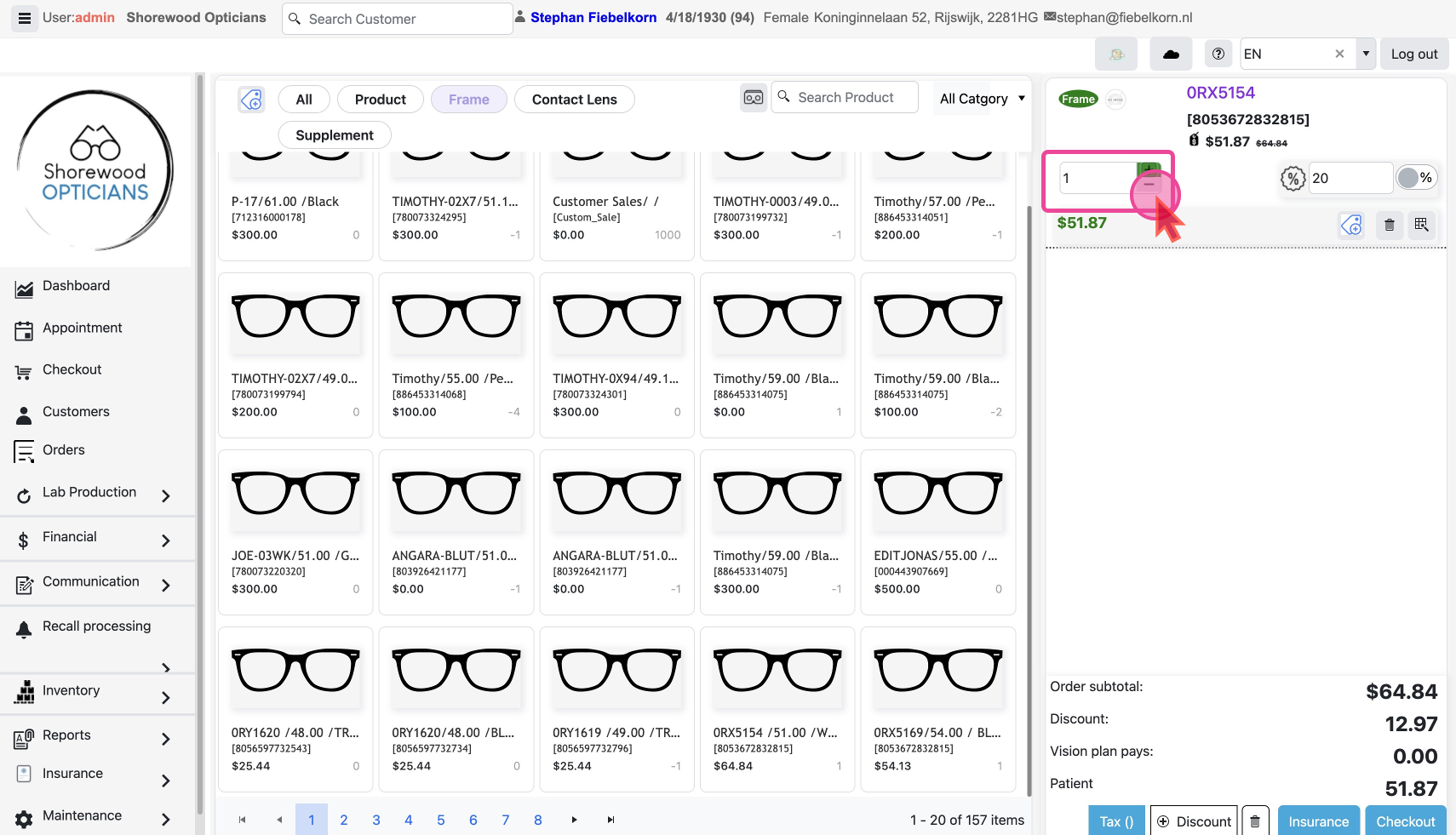
The discount value gets readjusted based on the new quantity.
Adjust Item Prices
Click the
Price Adjustment Icon next to the item you wish to adjust.This will open a pop-up where you can add the new price. Click the
confirm button to apply the change.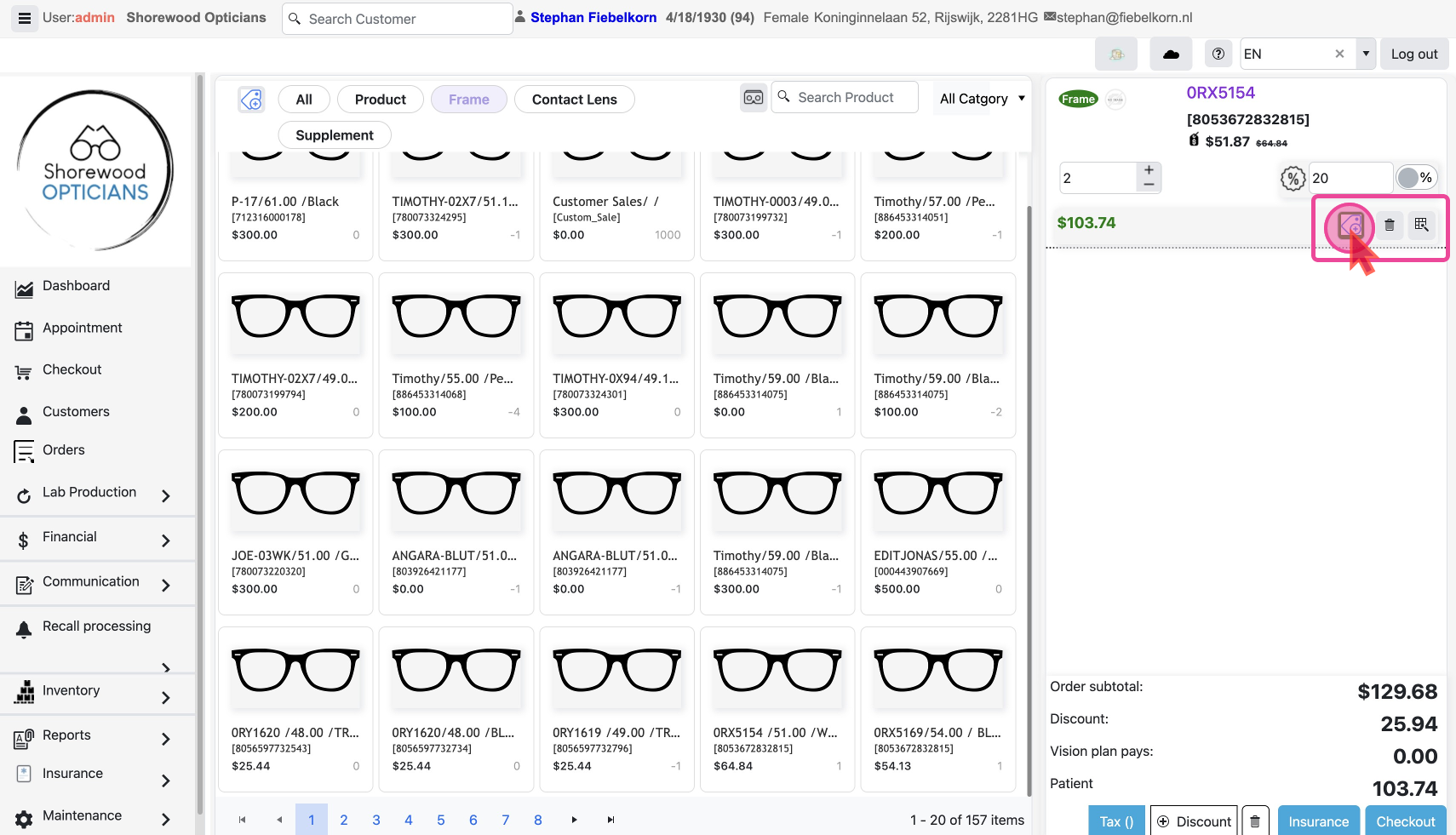
The price change with the discount is reflected instantly.
