Introduction
You may want to remove an item or the entire order from the cart.
This guide will walk you through the process of deleting items from your checkout page.
Delete Items from the Cart
On the
Checkout page, next to each item in the cart, there is a deletion icon represented by a trash can.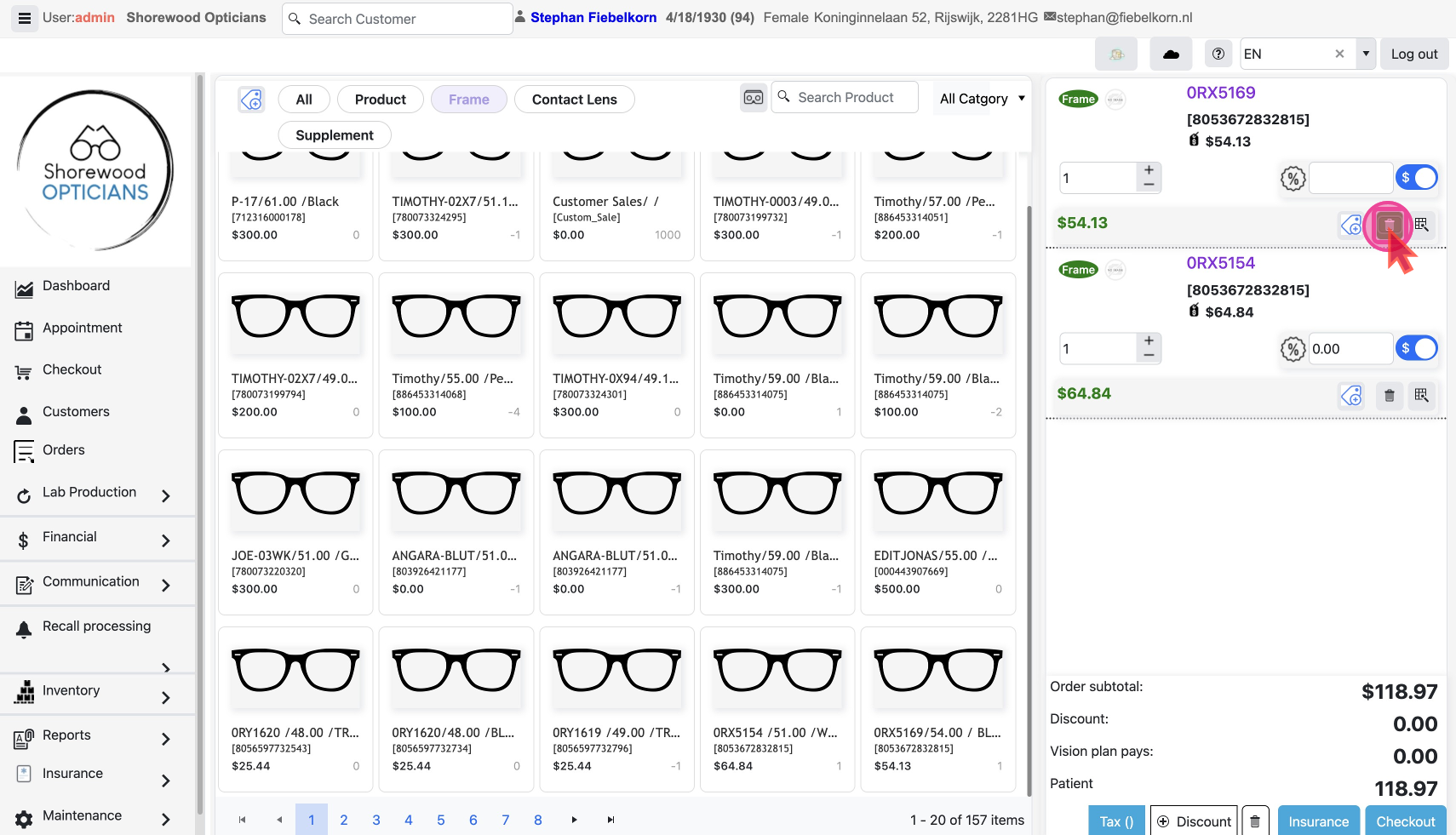
Click on it to open a pop-up from which you can choose to either:
- Delete the selected item only by clicking the
Item Onlybutton.
- Delete the entire order by clicking the
Entire Orderbutton.
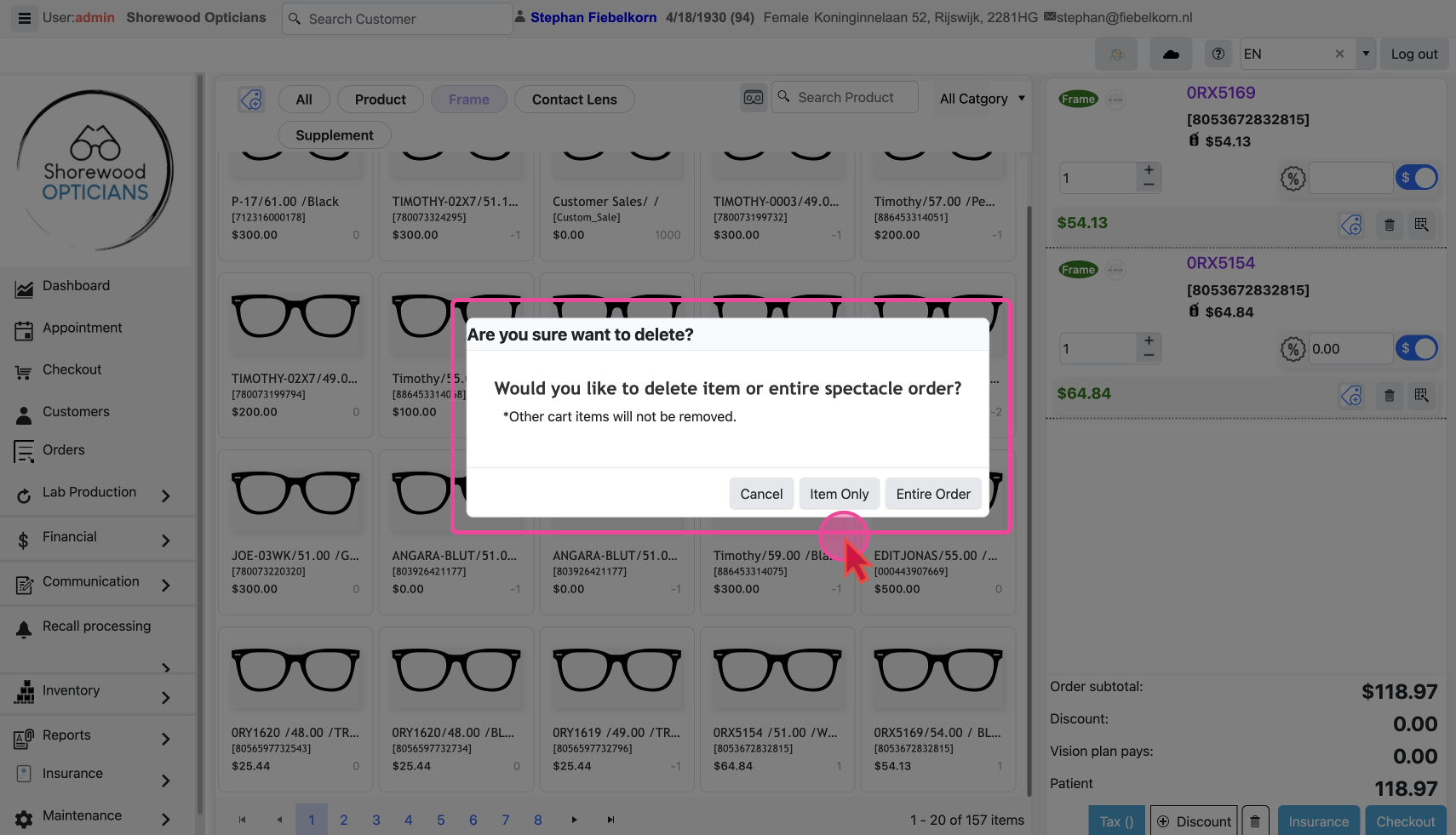
The item or items will be deleted and the cart total will be readjusted.
